How to Stop Chasing Clients for Documents (For Good)
How to stop chasing clients for documents: replace manual follow-up with a request checklist, a no-account link, and auto-reminders. Here's the system.
Arthur Teboul
Founder, DokuTrak
On this page
You send the document checklist. Nothing comes back. You send a polite nudge. Still nothing. You send the slightly-less-polite one, and three weeks later you get half the files, two of them blurry. If that's your month, every month, you already know the worst part of the job isn't the work. It's the chase.
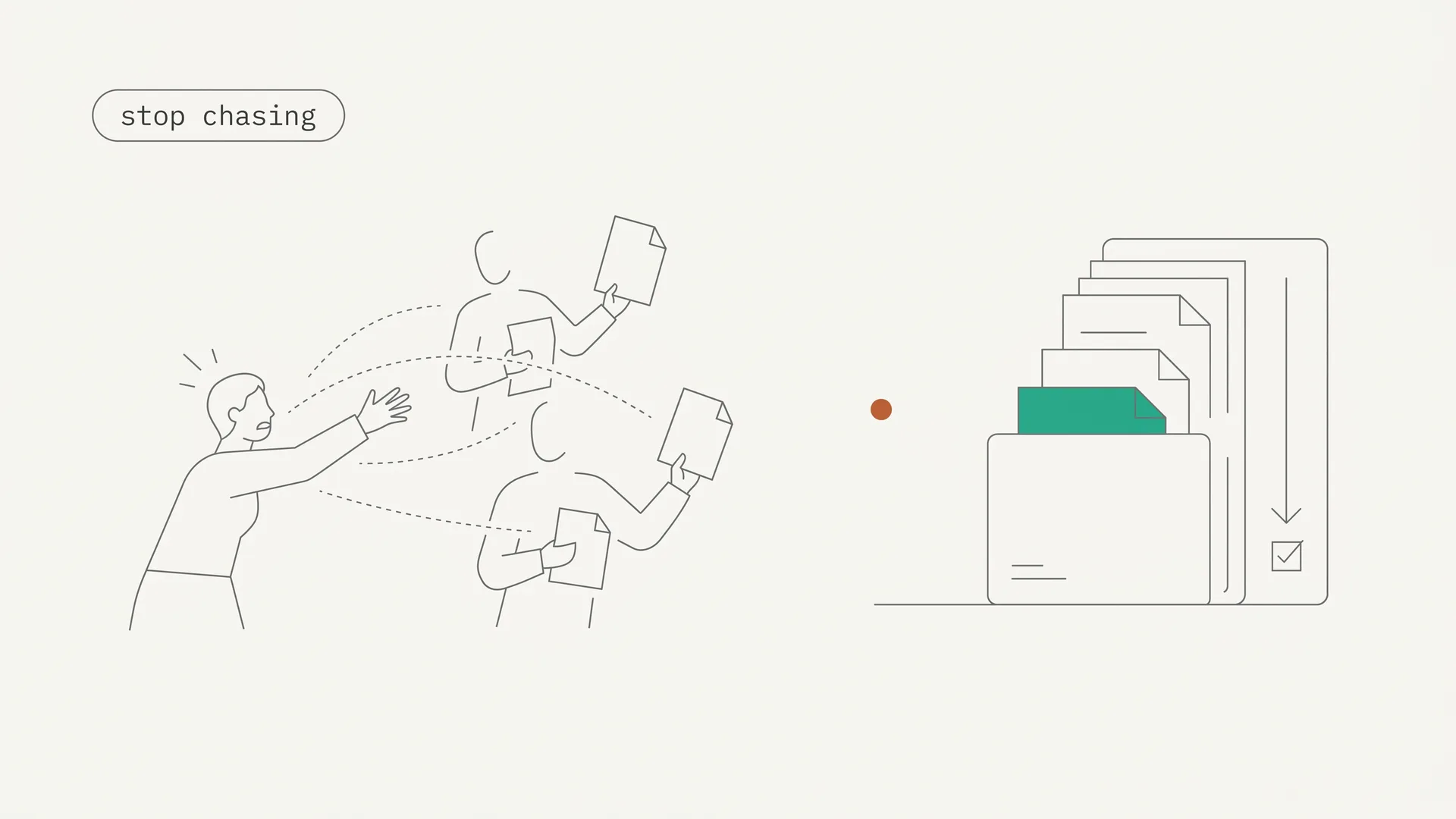
You can stop chasing clients for documents. Not by nagging harder, but by replacing the manual ask-and-follow-up with a system that does the chasing for you. That's what this guide lays out, and it's the same approach I built DokuTrak around after watching people lose hours a week to it.
Key Takeaways
- You stop chasing by systematizing it: one clear request checklist, a no-account upload link, automated reminders, and an AI check on what comes back.
- Chasing isn't a willpower problem. Getting a non-urgent document out of a busy client reliably takes several rounds of follow-up, and people are bad at doing that consistently.
- Automate the follow-up and the validation, and the two jobs you hate most happen without you.
Why do you end up chasing clients for documents?
You end up chasing because the request leaves too much room to do nothing: a vague ask, real friction to respond, no hard deadline, and no system tracking who's outstanding. Remove one of those and you still chase. Remove all four and the chase mostly disappears. The pattern is always the same: something needs filing, you request the documents, and then silence.
Look at what's actually happening. The request went out as an email, so it sank in an inbox. There was no checklist, so the client wasn't sure what "everything" meant. There was no deadline, so it was never urgent. And there was no status view, so the only way to know it stalled was to notice the silence yourself. Every one of those is fixable, and none of them is about the client being lazy.
The cost is real time. The typical knowledge worker loses close to 1.8 hours a day just hunting for information that's misfiled or never arrived clean (per ProProfs, citing McKinsey).1 As of 2025, more than half of US office professionals reported spending more time searching for files than on their actual work (per TechRepublic, citing Wakefield Research).2 A chunk of that is you, reconstructing who sent what, then re-asking for it.
Is chasing just part of the job, or can you actually stop?
You can stop, because chasing is a process problem, not a personality one. Getting a non-urgent thing out of a busy person reliably takes repetition: a reminder, then another, then another, spaced over days. Humans are bad at repetition. We forget, we feel rude nudging a fourth time, we batch three messages in a moment of frustration and then go quiet. Systems are good at repetition. They never forget and never get awkward. The file you need is usually on the far side of several follow-ups, which is exactly where an unaided person gives up.
So the question isn't "how do I become more disciplined about follow-ups?" You won't, and you shouldn't have to. The manual version is hours every week spent sending reminder emails one by one — something a scheduler does for free, without forgetting, without tone creep, and without resenting the client by email number four. The work that needs a human is reviewing the documents. The chasing doesn't.
How do you stop chasing clients for documents?
You stop chasing clients for documents by replacing the manual loop with a four-part system, and none of the four parts is "remember to follow up." Set it up once and it runs on every request after that.
- Send one clear request, not a vague ask. List the exact documents by name, in a checklist the client can see and tick off. "Send me everything for your return" creates silence. "Upload these six items" creates action.
- Remove the friction with a no-account upload link. The client clicks a link and uploads from any device. No signup, no password, no app. The single biggest reason files don't come back is the account wall, so take it down.
- Let automated reminders do the follow-up. Set a polite cadence and let it run. The client gets nudged on schedule until they're done, and you write none of the reminders.
- Check what comes back automatically. An AI first-pass flags the wrong file, the unreadable scan, or the expired statement, so you're not the one discovering the gap three days later.
That's the whole system. The request is clear, the upload is frictionless, the follow-up is automatic, and the validation is automatic. What's left for you is a quick approve on a clean queue. This is exactly the workflow I built into DokuTrak, but the principle stands no matter what tool you use: automate the asking, the chasing, and the checking, and you stop being the bottleneck.
Notice what the system does and doesn't do. It doesn't replace your judgment on the documents themselves. It removes the parts that never needed you in the first place: typing reminders one by one, cross-checking who sent what, and the first read for obvious errors. You keep the decisions and hand off the busywork, which is the opposite of how most manual setups split the labor.
What does a document request that clients actually complete look like?
A request clients complete is specific, short, and answerable from a phone. Vague asks are the number-one cause of silence, so the goal is to remove every decision the client has to make. Three things do most of that work.
First, name each document. "Upload your 2025 W-2, your January-to-December bank statements, and a photo of your ID" beats "send your tax docs," because the client never has to guess what counts. A checklist they can see and tick off turns an open-ended chore into a finite list with an obvious finish line. Our free document checklist generator builds that list for your profession in a click.
Second, give one deadline and one place. A request with no date is never urgent, and a request scattered across email, text, and a portal is never finished. One link, one due date, one source of truth for what's in and what's outstanding.
Third, make it doable in two minutes from a couch. Most clients deal with you from their phone, not a desk. If the upload needs a laptop, a login, and a manual, it waits, and waiting is where the chase begins. Reusable templates help: build the request once for a given job type, then send the same clean checklist to every new client instead of rewriting it each season.
Get the request right and you prevent most of the chasing before it starts. The reminders and validation below are what catch the rest.
Do automated reminders actually work?
Yes, scheduled reminders reliably outperform a human trying to remember. The clearest data comes from healthcare, where automated appointment reminders brought no-show rates down to roughly 29%, compared with about 39% when staff relied on manual phone calls (per a 2025 reminder-effectiveness review).3 Document collection isn't a medical appointment, but the mechanism is identical: a timely, low-effort nudge on a set cadence beats relying on either party to remember.
The trick is cadence, not volume. Persistence works up to a point and then backfires: pile on too many messages too fast and people tune out or get annoyed. A good system spaces reminders sensibly and stops the moment the file arrives. A human doing it manually tends to do the opposite: nothing for two weeks, then three messages in a day out of frustration.
And there's a quieter benefit. When the reminders are automatic, your relationship with the client stops being "the person who keeps bugging me." You wrote none of those nudges. The system did, on time, in a neutral tone, every time.
It's also visible at a glance. Because every reminder and upload is timestamped, you can see which clients are done, which are halfway, and which haven't started, without opening a single thread to check. That status view is what lets you stop carrying the whole list in your head.
How to stop chasing clients for documents with a no-account upload link
A no-account upload link ends the chase because the chase usually restarts at friction, and the account is the friction. Email is worse than friction, it's a leak: in 2024, Egress found 49% of reported security incidents were misdelivery, sending sensitive data to the wrong recipient (Egress, 2024 Email Security Risk Report).4 A login portal fixes the security but adds a password the client won't create. A no-account link does both: encrypted, access-controlled, and open in one click.
This matters because every client who hits a wall is a client you're back to chasing. The file doesn't arrive, so you nudge, so they email it instead, and now you're back to the insecure, untracked workflow the tool was supposed to replace. Remove the wall and the file actually comes back the first time.
If you want the deeper security comparison, I wrote it up in secure client portal software, and the full case against the inbox is in why email fails for document collection.
How do you make sure what comes back is actually usable?
You make sure by checking the file the moment it lands, automatically, instead of discovering the problem after the deadline. A document can arrive on time and still be useless: the wrong year, an unreadable scan, a screenshot instead of a PDF. "I'll send the receipt later" turns, two weeks on, into a blurry photo of a $62 receipt from who knows where — and if you're the one catching that, you've just restarted the chase for a corrected version.
DokuTrak runs an AI first-pass on each upload and flags the wrong, unreadable, or expired file before it reaches you. The AI flags. You decide, always. When something's off, a one-click reject sends an automatic request for the right version, so there's no new email thread and no awkward "can you resend that." You review a clean queue, not a pile of maybes.
When should you stop chasing and fire the client?
Sometimes the answer isn't a better system, it's a cutoff. A small share of clients won't respond to a clear request, a frictionless link, or a month of reminders — the ones who ignore portal messages, emails, and phone calls for a month straight. At that point you're subsidizing their disorganization with your time. Set a documented deadline, communicate the consequence, and hold it.
In practice, a clean cutoff has three parts: a deadline stated in the original request, one final reminder that names the consequence ("I can't file on time without these by Friday"), and a decision you actually follow through on. Most people keep chasing past the point of sense not out of kindness but because they never set the line up front, so there's nothing to enforce. Agree the line when the work begins and the awkward conversation mostly disappears.
A system actually makes this easier, not harder. When the request, the reminders, and the timestamps are all logged, you're not arguing from memory. You can show exactly what was asked, when, and how many times, which turns an awkward judgment call into a clean, defensible decision. The goal isn't to fire clients. It's to make sure the ones you keep aren't the reason you dread the end of the month.
The bottom line
Chasing clients for documents feels like a discipline problem, so people try to fix it with willpower and better-worded emails. It's a system problem. The data is clear that getting a non-urgent thing out of a busy person takes repeated, well-timed follow-up, and that humans are the wrong tool for repeated, well-timed anything. Hand the asking, the chasing, and the checking to a system, and you get your month back.
Start a free 14-day trial of DokuTrak and send your first request in ten minutes. Solo is $79/month, Team $199, Agency $449, with a 14-day trial (first client request free with no card, then no charge today). Or see how it fits your work in DokuTrak for accountants.
Footnotes
-
ProProfs Knowledge Base, "How Much Time Employees Spend Searching for Information," citing McKinsey, retrieved 2026-06-10. https://www.proprofskb.com/blog/workforce-spend-much-time-searching-information/ ↩
-
TechRepublic, "More than 50% of office pros spend more time searching for files than on work," citing Wakefield Research, retrieved 2026-06-10. https://www.techrepublic.com/article/more-than-50-of-office-pros-spend-more-time-searching-for-files-than-on-work/ ↩
-
ResolvePay, "6 Statistics Showing Why Automated Reminders Outperform Phone Calls" (healthcare no-show data, used here as an analogy), retrieved 2026-06-11. https://resolvepay.com/blog/6-statistics-showing-why-automated-reminders-outperform-phone-calls ↩
-
Egress, "2024 Email Security Risk Report," retrieved 2026-06-10. https://www.egress.com/blog/company-news/stats-from-the-email-security-risk-report ↩
Frequently asked questions
How do I get clients to actually send me their documents?
Make the ask specific, remove the friction, and automate the follow-up. List the exact documents in a checklist, send a no-account upload link so there's no signup, and let scheduled reminders handle the nudging. Manual one-by-one reminders are the slow part, and a system removes them entirely.
How do you ask clients to send documents professionally?
Send one clear request with the documents named individually, a simple way to upload them, and a deadline. Skip the vague send-me-everything. A named checklist plus a single upload link reads as organized, not pushy, and gives the client an obvious next action instead of an open-ended task.
Do automated reminders annoy clients?
Not when they're spaced and neutral. The annoyance usually comes from manual chasing, where nothing happens for weeks and then several messages arrive at once. A scheduled cadence in a calm tone is easier on the relationship, and reminders stop the moment the file arrives, so no one is nudged for something already sent.
How do I stop clients from emailing me documents?
Give them an easier option than email and the problem mostly solves itself. A no-account upload link is faster for the client than attaching files, and it keeps everything in one place for you. Email is also risky: 49% of security incidents in 2024 were misdelivery (Egress), which a scoped link avoids.
When should I stop chasing a client for documents?
When a clear request, an easy upload, and a full cycle of reminders all go unanswered past a documented deadline. At that point the issue isn't your process, it's the client. A logged request history makes the decision defensible, whether that means pausing the work or ending the engagement.
Is there software that uses AI to check whether a client uploaded the right document?
Yes. DokuTrak runs an AI first pass on each upload and flags the wrong file, an unreadable scan, or an expired statement before it reaches you. The AI flags; you decide, always. When something's off, a one-click reject sends an automatic request for the right version, so no new email thread starts.
Keep reading
More on collecting documents without the chase.
Secure Document Request: Collect Sensitive Files Safely
A secure document request lets clients send SSNs, bank statements, and IDs via an encrypted upload link with no shared inbox and no login to be phished.
Document Request Software: The 2026 Buyer Guide
Document request software collects a packet of files from clients via a no-account link, validates each one, and chases what is missing. Here is how to choose.
How to Collect Files From Clients Without Email or Drive
The best way to collect files from clients is a no-account upload link with auto-reminders and AI that flags wrong or unreadable files before they reach you.
Done reading?
Stop chasing clients for documents.
DokuTrak sends secure upload links, fires automated reminders, and collects everything in one searchable vault. Try it on a real client.