Automated Document Collection That Flags Bad Files
Automated document collection with an AI check that flags wrong, unreadable, and expired client files before they reach you. AI flags, you decide.
Arthur Teboul
Founder, DokuTrak
On this page
The file arrived on time. It's also the wrong year, photographed at an angle, with page two missing. You don't find that out when it lands. You find out three days later, when you finally open it, and now you're re-requesting the same document you already "collected." That's the part automated document collection usually skips: not getting the file in, but catching the bad one before it costs you.
This is the gap I built DokuTrak to close. Collection gets the file to your door. An AI check makes sure it's the right file. Here's how that works, and why the AI should flag, not decide.
Key Takeaways
- Automated document collection isn't just getting files in. It's catching the wrong, unreadable, or expired one automatically.
- The model should flag, not approve: AI is fast and tireless on the mechanical screen, but a human stays the approver on documents you're liable for. AI flags, you decide.
- That "AI flags, you decide" model is the point: the AI catches the problem, you make the call on documents you're liable for.
What is automated document collection, really?
Automated document collection is the full loop of requesting, receiving, chasing, and checking client documents without doing each step by hand. Most tools automate the first three and stop. The request goes out as a checklist, the client uploads through a link, reminders fire on a schedule, and then a human still has to open every file and decide if it's usable. The checking is where the time goes, and it's the part almost nobody automates.
That last step matters because collection without validation just moves the problem. You've replaced "chase the client" with "audit the upload," and the second job is quieter but just as slow. A complete system closes the loop: it tells the client exactly what's needed, makes uploading frictionless, follows up automatically, and flags anything that comes back wrong.
Think of it as four jobs, not one. Asking is a templating problem. Receiving is a friction problem. Chasing is a scheduling problem. Checking is a judgment problem. The first three are fully automatable and most tools handle them. The fourth is where "automated" usually quietly means "you, manually, later," and it's the one that decides whether the other three actually saved you any time.
If you want the collection and follow-up half of this, I covered it in how to stop chasing clients for documents. This guide is about the half that comes after the upload: the check.
Can AI actually check client documents for errors or missing pages?
Yes. AI can read an uploaded document and flag the common failures before a human ever opens it: the wrong document type, an unreadable or blurry scan, an expired date, a statement covering the wrong period, or a set that's missing pages. It does this with optical character recognition to read the file, classification to confirm it's the document you asked for, and quality checks to catch blur, blank pages, and dates that don't match the request.
What it's good at is the first pass, the mechanical screen that's tedious for a person and easy to rush at 6 PM. AI-powered systems reach data-extraction accuracy of up to 99% on clean, structured documents (per Unicode.ai's document-processing research).1 On a creased phone photo it's far less certain, which is exactly why it flags rather than decides. Either way, it's catching the problem now instead of after the deadline.
What it isn't is a replacement for your judgment, and that distinction is the whole design. The AI tells you "this looks like last year's W-2" or "page two didn't come through." You decide what to do about it. For a document you're professionally on the hook for, that's the only safe division of labor.
In practice, the checks map to the failures you already know. Wrong type: you asked for a 2024 W-2 and got the 2023 one, or a pay stub where a bank statement should be. Unreadable: a photo too dark to read, a cut-off scan, a blank back page. Expired or out-of-period: an ID past its date, or a statement covering the wrong months. Incomplete: a three-page document that arrived as two. None of these are subtle once you're looking. The problem is that nobody has time to look at every file, for every client, every cycle. That's the job the first pass takes off your plate.
Should AI approve documents, or just flag them?
AI should flag, not approve. Used on its own, a model is confident even when it's wrong, and on a tax document or a loan file that misplaced confidence is exactly the danger. Pairing the AI's first pass with a human approver is the established pattern for high-stakes documents, because it keeps the speed of automation and the judgment of a person. Full autopilot is the worst of both worlds: fast, and wrong often enough to hurt you on the files that matter most.
So the right model is "AI flags, you decide." The AI does the relentless first read and surfaces what looks off. You spend your attention only on the exceptions, not on re-reading every clean file. You keep the decision, and the liability that comes with it, where it belongs.
This is also why generic data-entry automation makes professionals nervous. Hand a model full authority over a tax document or a loan file and you've automated a mistake you can't see. Flagging keeps the human as the approver and turns the AI into a very fast, very patient assistant that never skims.
What can't AI catch, and why does a human still review?
AI flags the mechanical problems well, but it misses the judgment calls, which is exactly why the human stays in the loop. It can tell you a bank statement is unreadable; it can't always tell you whether the unreadable part is the line that matters. It can flag that a file is the wrong type; it can't decide whether a close-enough substitute works for this client's situation. And on edge cases it can be confidently wrong, which on a regulated file is worse than saying nothing.
That's the honest limit, and it's why "AI flags, you decide" isn't a slogan, it's the only safe configuration. The value isn't the AI replacing your review. It's the AI doing the mechanical first pass, so your review shrinks from "open every file" to "look at the handful the AI flagged."
Document automation also keeps improving as the models see more examples. But "better every year" still isn't "trust it blindly." The right posture is simple: let the AI narrow the pile, keep the final call yours, and never let a model quietly approve something with a compliance tail you'll answer for.
How much does a wrong or unreadable document actually cost you?
It costs you a second full cycle. Every bad file restarts the request: you notice the problem, write the "can you resend that" message, wait, and re-check. Manual handling is error-prone enough that automation is cited as cutting document errors by up to 90% when it replaces manual entry (per Sensetask's document-processing research),2 and client uploads are messier than internal data, so a real share of what arrives needs a redo.
Anyone who collects documents monthly knows the shape of it: a "PBC" zip that turns out to be forty separate photos of a single bank statement, half of them upside down; or a receipt promised "later" that arrives two weeks on as a blurry $62 photo from who knows where.
The time adds up on top of everything else. Knowledge workers already lose close to 1.8 hours a day hunting for and reconciling information (per ProProfs, citing McKinsey).3 Re-collecting documents you thought you had is pure waste, and it's invisible until you measure it.
How is this different from document verification (KYC) software?
It's a different job entirely. Document verification, or KYC software like Sumsub, Veriff, or LexisNexis, checks a person's identity: is this passport real, does the selfie match, is this a forged or AI-generated ID. It's built for fraud prevention and regulatory identity checks at signup.
Automated document validation for collection checks something else: the quality and completeness of the documents your existing clients send you. Not "is this person who they claim to be," but "is this the right document, is it readable, is it current, is anything missing." You already know who your client is. What you don't know, until you open it, is whether the file they uploaded is usable.
The two get blended in search results, but mixing them up leads you to the wrong tool. If you need to verify a stranger's identity, you want a KYC platform. If you need to stop manually checking whether your client sent the right, readable file, that's document collection with an AI check, and it lives in a different category.
What does automated document collection with an AI check look like?
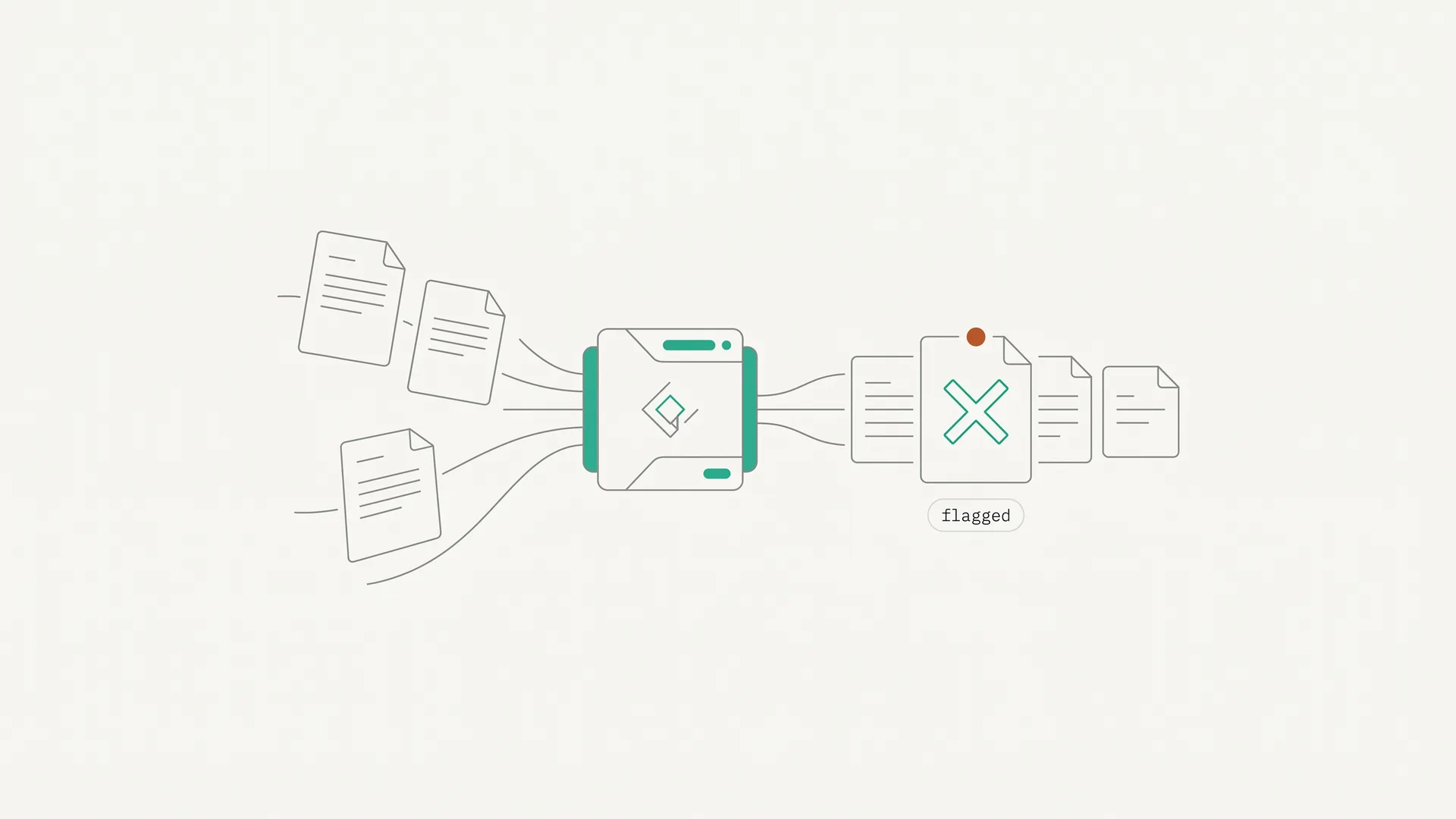
It looks like one continuous flow with no extra step for you or the client. The client opens a no-account upload link and adds their files from any device. As each file lands, an AI first-pass reads it and checks type, readability, dates, and completeness. Anything clean drops into a "received" state. Anything questionable gets flagged for your review with the reason attached.
From there, the fix is one click. When something's wrong, you reject it and the system automatically sends the client a request for the correct version, so there's no new email thread and no awkward follow-up to write. The client re-uploads, the AI re-checks, and the loop closes itself. You're approving a clean queue, not playing detective across a folder of maybes.
And because every flag carries its reason, you never guess why a file was held. "Wrong tax year." "Page 2 missing." "Image too blurry to read." The client gets a specific ask instead of a vague "please resend," which is the difference between a fast re-upload and another round of back-and-forth.
That combination, no-account upload plus an automatic check plus auto-reminders, is the part the rest of the market leaves on the table. In a DokuTrak teardown of nine document-collection and client-portal vendors (retrieved July 2026), 0 of 9 advertised an automatic check that flags a wrong, unreadable, or expired client file at intake. Collection tools skip the validation. KYC tools check identity, not quality. For the upload-security side of the same flow, see secure client portal software, and for why the old email version of this fails, why email fails for document collection.
Which professionals get the most from automated document validation?
The professions with the heaviest, messiest document load get the most: accountants, bookkeepers, tax preparers, mortgage and loan officers. They collect dozens of documents per client, on a cycle, from people uploading photos off a phone, which is exactly where wrong files, bad scans, and expired statements pile up. Catching those automatically turns the monthly review from a hunt into a short approval pass.
It's not only accounting, though. Mortgage and loan officers run the same gauntlet with paystubs, bank statements, and IDs under a closing deadline. Law firms collect signed forms, financial records, and exhibits where a single missing page can stall a filing. Property managers and HR teams chase proof of income, applications, and onboarding paperwork from people who will never log into a portal. Anywhere the document is the prerequisite for the work, catching the bad one early is the difference between a smooth cycle and a last-minute scramble.
The pattern holds anywhere the document is the work product's foundation: a missing page or wrong year doesn't just annoy, it blocks the filing, the loan, or the case. For the accounting specifics, see DokuTrak for accountants.
The bottom line
Automated document collection that stops at "the file arrived" only solves half the problem. The other half is whether the file is the right one, readable, current, and complete, and that's the half that quietly eats your time when a human has to check it by hand. AI does that first read well, fast, and without skimming, as long as it flags rather than decides. Keep the judgment, automate the checking, and the monthly pile of maybes becomes a short list of approvals.
Start a free 14-day trial of DokuTrak and send your first request in ten minutes. Solo is $79/month, Team $199, Agency $449, with a 14-day trial (first client request free with no card, then no charge today). Or see how the whole flow fits together in how to stop chasing clients for documents.
Footnotes
-
Unicode.ai, "AI in Document Processing: 2025 Benchmarks & ROI Guide" (industry research), retrieved 2026-06-11. https://www.unicode.ai/blogs/ai-in-document-processing-2025-benchmarks-roi-guide ↩
-
Sensetask, "Document Processing Statistics 2025" (industry research), retrieved 2026-06-11. https://sensetask.com/blog/document-processing-statistics-2025/ ↩
-
ProProfs Knowledge Base, "How Much Time Employees Spend Searching for Information," citing McKinsey, retrieved 2026-06-10. https://www.proprofskb.com/blog/workforce-spend-much-time-searching-information/ ↩
Frequently asked questions
Is there software that uses AI to check whether a client uploaded the right document?
Yes. DokuTrak reads each uploaded file and flags the common failures before you open it: the wrong document type, an unreadable or blurry scan, an expired date, or a set missing pages. It classifies the upload against what you asked for and surfaces anything that looks off. AI flags, you decide.
Does the AI approve documents automatically?
No, and that is deliberate. The AI flags wrong, unreadable, or expired files; you make the final call. A model on its own is confident even when it is wrong, so on documents you are liable for the safe pattern keeps a person as the approver while the AI does the fast first pass.
Is automated document validation the same as document verification (KYC) software?
No. KYC software confirms a person's identity and detects forged IDs at signup. Automated document validation for collection checks the quality and completeness of files your known clients send: the right type, readable, current, and complete. Different problem, different category, different tool.
Can AI catch a blurry or unreadable scan?
Yes. Quality checks flag low-resolution images, blur, blank pages, and partial scans at upload, before the file reaches your desk. Because phone photos are the main source of unreadable documents, catching them at the moment of upload lets the client re-take the photo immediately instead of you discovering it days later.
What happens when the AI flags a file?
It goes into a review queue with the reason attached, and you decide. If it is wrong, a one-click reject sends the client an automatic request for the correct version. The client re-uploads, the AI re-checks, and the request closes without you writing a single follow-up email.
How do you collect documents from clients without chasing them?
Send a no-account upload link, let automated reminders handle the follow-up, and let the AI first pass check each file as it lands. Clean files drop into a received state; only flagged ones need your attention. The chase becomes a short approval pass instead of a string of emails.
Keep reading
More on collecting documents without the chase.
Secure Document Request: Collect Sensitive Files Safely
A secure document request lets clients send SSNs, bank statements, and IDs via an encrypted upload link with no shared inbox and no login to be phished.
Document Request Software: The 2026 Buyer Guide
Document request software collects a packet of files from clients via a no-account link, validates each one, and chases what is missing. Here is how to choose.
How to Collect Files From Clients Without Email or Drive
The best way to collect files from clients is a no-account upload link with auto-reminders and AI that flags wrong or unreadable files before they reach you.
Done reading?
Stop chasing clients for documents.
DokuTrak sends secure upload links, fires automated reminders, and collects everything in one searchable vault. Try it on a real client.