Secure Document Upload Portal: How to Collect Files Without Email
How to collect client documents through a secure upload portal instead of email: encryption, access control, audit trail, and no client login.
On this page
Your client just emailed their W-2 as an unencrypted attachment. Their Social Security number is now sitting in your inbox, your email provider's servers, and every relay in between. That's not document collection. That's a breach waiting to happen.
And it's not just your inbox. When your client hits "send," that attachment travels through your email provider's servers, their email provider's servers, and potentially several relay servers in between. None of those servers are ones you control, vetted for security, or that your client consented to. If they forward it from their work account, it is now also in their company's email archive. If you forward it to your assistant, add another copy.
70% of emails sent in professional settings contain sensitive information.1 This is not an edge case. It is the default behavior of your industry.
The instinct to fix this is correct. This guide explains why email fails specifically for document collection, what the technical and legal standards for a secure upload portal look like, and how the tools on the market compare in 2026.
Why Is Email Not Secure for Document Collection?
The most common counterargument is: "My email uses HTTPS. It's encrypted." This is true in transit from your browser to the server. It does not describe what happens after.
Once an email lands in an inbox, it sits unencrypted at rest in most consumer and professional email services. Gmail, Outlook, and similar platforms encrypt at the server level, but the keys are held by the provider, not you and not your client. Anyone with access to that provider's infrastructure (via a breach, a court order, or a malicious insider) can read those files.
The numbers confirm the exposure is real. 68% of all data breaches involve the human element: errors, social engineering, and misuse, not sophisticated hackers bypassing firewalls.2 66% of IT leaders admit employee email mistakes (wrong attachment, wrong recipient, misused CC/BCC) cause more data loss than malicious attacks.3 A third of employees frequently send the wrong attachment; nearly a third misaddress emails.
The scale of the threat environment is also accelerating. An estimated 3.4 billion phishing emails are sent globally every day, and generative AI has made convincing, well-written phishing lures cheaper and faster to produce than ever.4 Your clients are operating in an environment where a fake "document upload request" from a spoofed version of your domain is trivially easy to create.
There is also a practical problem. Gmail caps email attachments at 25 MB; Outlook defaults to 20 MB. Base64 encoding inflates file size by roughly a third (33% plus MIME overhead), so the real usable limit is consistently smaller than what is advertised.5 A signed PDF bundle, a full mortgage application package, or a set of architectural drawings will routinely exceed these limits, and your client will resort to a file-sharing workaround that is even less secure than email.
The financial stakes of getting this wrong are not theoretical. The global average cost of a data breach reached $4.88 million in 2024, a record high per IBM.6 Phishing remains one of the costlier initial attack vectors, and healthcare has held the most expensive industry ranking for 14 consecutive years, with average breach costs reaching $9.77 million.6
Key data point: IBM's breach research found the mean time to identify a breach in 2025 was 181 days, with an additional 60 days to contain it (241 days of exposure before anyone knows).7 Client documents sent by email can sit in compromised systems for eight months before you find out.
What Makes a Document Upload Portal Actually Secure?
"Secure" is used loosely in SaaS marketing. Here is what it actually means for a document collection portal.
Encryption at Rest (AES-256)
Files should be encrypted when stored. AES-256 is a NIST-approved encryption standard (FIPS 197) with a 256-bit key, approved by the NSA for protecting classified information up to TOP SECRET.8 Brute-force attacks against AES-256 are computationally infeasible with any current or near-future hardware. Any portal that stores files without specifying its encryption standard should be treated as non-compliant.
Encryption in Transit (TLS 1.3)
Data moving between your client's browser and the server should use TLS 1.3 (RFC 8446). NIST mandated TLS 1.3 for all government systems as of January 2024.9 TLS 1.3 eliminates legacy cipher suites and requires forward secrecy: even if a key is later compromised, past sessions remain protected. TLS 1.2 is still widely deployed but is no longer the current standard.
Time-Limited, Single-Purpose Access
A shared folder link with an indefinite lifetime is not a secure upload mechanism. A properly designed portal should grant access only to a specific request, for a defined time window, and revoke it automatically when the window closes or the upload is complete.
Audit Trail
A complete audit log answers: who uploaded what file, at what timestamp, from which IP, and whether it was accepted or rejected. This is not a nice-to-have. It is a legal requirement in most regulated industries.
No Credential Requirements for Clients
Passwords are a security problem, not a solution. A client who creates a portal account uses a password they will reuse elsewhere, store insecurely, or forget. A better architecture removes credentials from the equation entirely.
Does Your Profession Require a Secure Upload Portal?
The answer for most professional services is yes, with varying levels of explicit legal obligation. The mapping below is DokuTrak's compilation, built by reading the source instruments directly — the ABA ethics opinions, the FINRA and SEC rulebooks, the FTC Safeguards Rule (16 CFR Part 314), and the GDPR text — rather than secondary summaries. Each profession is tied to the primary regulation that binds its document handling.
Legal Professionals
ABA Model Rule 1.6(c) requires lawyers to "make reasonable efforts" to prevent unauthorized disclosure of client information. ABA Formal Opinion 477R goes further: "particularly strong protective measures, like encryption, are warranted" for sensitive client matters.10 ABA Model Rule 1.1 on competence requires attorneys to understand cybersecurity technology as part of their professional duty.
This means a lawyer who routinely collects client documents via unencrypted email is not just taking a risk. They may be in violation of their ethical obligations.
Financial Advisors and Broker-Dealers
FINRA requires firms to safeguard customer records; its guidance treats 256-bit or higher as the standard for strong encryption (Regulatory Notice 10-59), and books and records must be preserved in a compliant, non-rewriteable format (FINRA Rule 4511; SEA Rule 17a-4).11 SEC Regulation S-P, updated in 2024, requires policies to protect customer information from unauthorized access, with breach notification to affected customers as soon as practicable and no later than 30 days.12 Broker-dealers must preserve records under SEA Rule 17a-4, with the first two years readily accessible. For the wealth management packet, see document collection for wealth management.
The real-world consequences are not abstract. Insurance broker Keenan & Associates suffered a breach affecting 1.5 million people; AnnieMac Home Mortgage exposed 171,000+ individuals; Australian mortgage broker Finsure had ~300,000 email addresses compromised.13
Mortgage Brokers
The FTC Safeguards Rule amendment (effective May 13, 2024) requires non-bank financial institutions, including mortgage brokers, to notify the FTC of data breaches affecting 500 or more consumers.14 This creates direct financial liability for practices that were previously just "bad hygiene." For the borrower packet itself, see how mortgage brokers collect borrower documents.
EU and UK Professionals (GDPR)
Article 32 of the GDPR requires data controllers to implement "appropriate technical measures" to protect personal data, explicitly naming encryption of personal data.15 Non-compliance is not just a compliance gap. Enforcement is active and expensive. Total GDPR fines since 2018 now stand at €5.88 billion. In 2024 alone, LinkedIn was fined €310 million and Meta was fined €251 million.16 Tier 2 fines reach up to €20 million or 4% of global annual turnover, whichever is higher.
Healthcare and Healthcare-Adjacent
HIPAA civil monetary penalties range from $145 to $73,011 per violation (2026 tiers), with OCR resolving 22 enforcement actions through penalties or settlements in 2024 alone.17 Any mental health therapist, medical office, or healthcare-adjacent professional collecting patient records via email faces direct exposure. For clinics, see digital patient intake.
Secure Document Portal Comparison: Which Tool Is Right for You?
| Tool | Type | Starting Price | Client Account Required | Encryption Standard | File Request Flow |
|---|---|---|---|---|---|
| DokuTrak | Document collection SaaS | $79/mo (Solo) | No (no-account upload link) | AES-256 + TLS 1.3 | Yes, native. Completion tracked per request |
| ShareFile | Enterprise file sharing | $16.50/user/mo (Advanced, annual, min 3 users)18 | Yes | AES-256, SOC 2, HIPAA/FINRA | Via client portal |
| Tresorit | E2E encrypted storage | Per-user, min 3 users (check current pricing) | Yes (or shared link) | End-to-end, ISO 27001 | Via encrypted links |
| Dropbox Business | File sync + sharing | Per-user, min 3 users (check current pricing) | Yes (or limited link) | AES-256, not E2E | File requests, limited to 4 uploads/request |
| Content Snare | Document collection | ~$71/mo (Plus, billed annually)19 | No (link-based) | HTTPS | Yes, native |
| WeTransfer | File transfer | Paid plans available (check current pricing) | No | Basic, no compliance certifications | One-way transfer only |
A few notes on this table. ShareFile and Tresorit both require your client to create an account or accept a login before uploading. For professionals collecting documents from clients who are already stressed or not technically comfortable, this friction is a real abandonment driver. WeTransfer is a one-way transfer tool. It is not designed for document collection workflows and has no compliance story for regulated industries.
Content Snare is the closest functional equivalent to DokuTrak in terms of the link-based collection model. The main differences: DokuTrak includes AI document validation before files reach you, which means you only receive documents that have passed an automated format and content check. There is also the question of completion rates. DokuTrak makes first-attempt completion visible in the request workflow. When clients cannot complete on the first try, they default to "I'll just email it," which eliminates the security architecture entirely.
Why Is a No-Account Upload Link More Secure Than a Password Portal?
The most common attack vector against document sharing services is credential theft. An attacker does not need to break encryption. They just need your client's username and password. Phishing, credential stuffing from other breached services, or a simple "I use the same password everywhere" situation hands them access to every document your client has ever shared through that system.
A no-account upload link removes credentials from the attack surface entirely. There is no username and password combination to steal, guess, or reuse.
Here is how the architecture works in DokuTrak's case:
- A cryptographically random, time-limited token is generated when you create the document request
- That token is sent to your client's email address as a one-click link
- The link grants access only to that specific document request, nothing else on the platform
- When the upload is complete (or the time window closes), the link is revoked
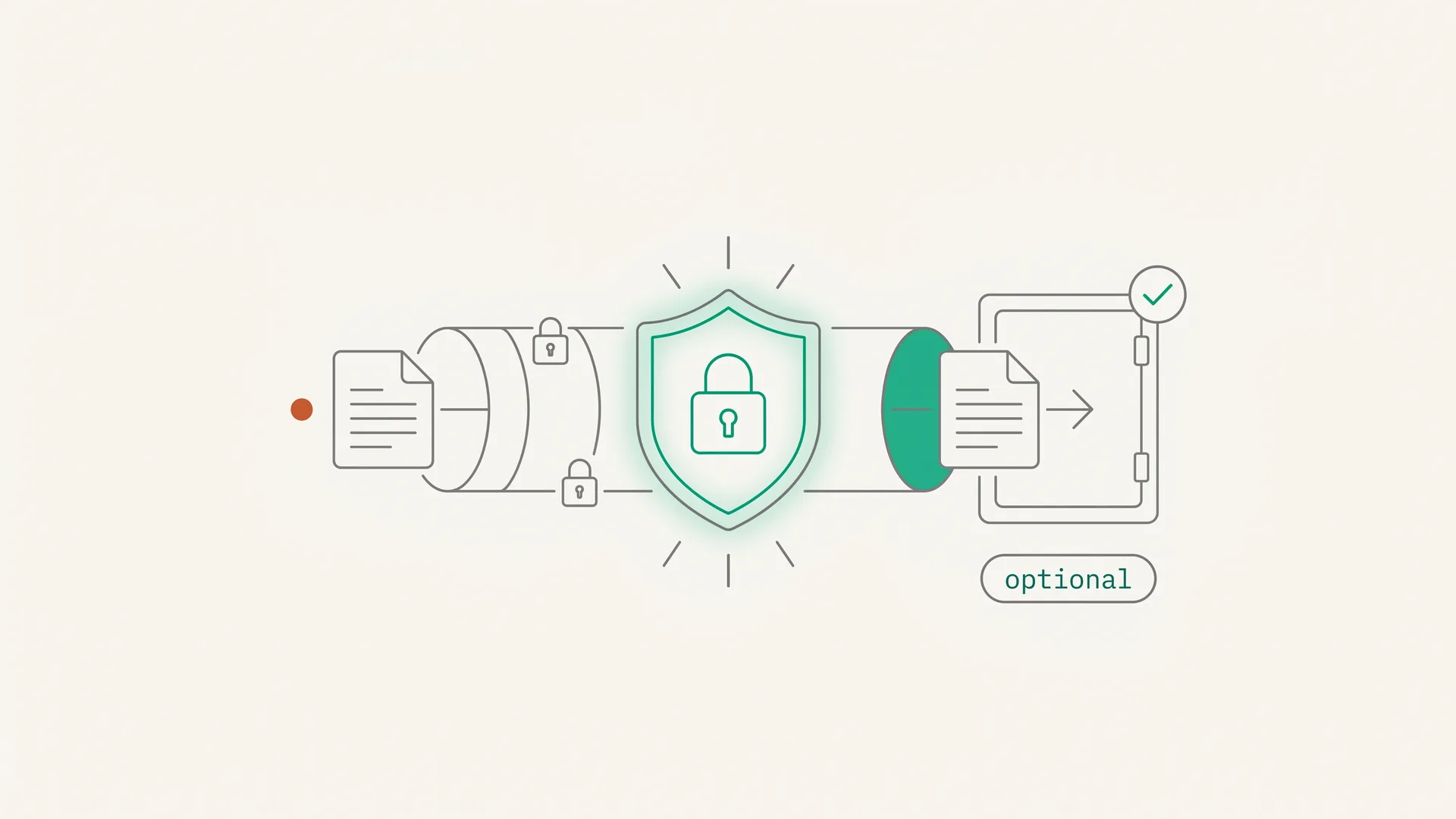
- Documents are transmitted over TLS 1.3 directly to AES-256 encrypted storage; they never sit in an email inbox
No-account upload links are immune to credential theft because there are no credentials to steal. The token is single-use, scoped to one transaction, and expires. Even if an attacker intercepts the email containing the link, they face a narrow window to act. Re-sending the request generates a new token that invalidates the old one.
Security architecture note: When you email a tax return to a client, it sits in at least four inboxes: yours, theirs, your sent folder, and their sent folder after they forward it to their accountant. A secure upload portal means the document exists in exactly one place: encrypted storage you control.
For a broader comparison of document collection tools, see our guide to document collection software. If you are specifically evaluating options for a legal practice, see the client portal alternative for law firms.
What to Do Instead of Email
Email was built for messages, not for confidential document transfer. The security gaps are architectural, not fixable with a stronger password or a "please encrypt before sending" reminder to clients.
A secure document upload portal addresses the problem at the right level: encrypted storage, time-limited access, no credentials to steal, and an audit trail that holds up to compliance review. For professionals in legal, financial, mortgage, or healthcare-adjacent services, it is not a nice-to-have. In most jurisdictions, it is the standard that regulators, bar associations, and courts will hold you to if something goes wrong.
DokuTrak starts at $79/month for solo professionals, $199/month for teams of up to 5 users, and $449/month for agencies up to 25 users. Every plan includes AES-256 encryption, TLS 1.3 in transit, no-account upload link delivery, AI document validation, and 1-click accept/reject. No per-user fees, no client account required.
Start your 14-day free trial. 14-day free trial, no card. Add one only to keep going. Cancel anytime before day 15.
Already comparing options? See full pricing details and how each plan differs.
Footnotes
-
Virtru, "Data Security is Everyone's Responsibility: 17 Stats That Prove It" ("70% of emails sent contain sensitive information"), retrieved 2026-06-14. https://www.virtru.com/blog/email-security/statistics ↩
-
Verizon 2025 Data Breach Investigations Report. https://www.verizon.com/business/resources/reports/dbir/ ↩
-
Zivver Email Security Trends Report 2025. https://www.zivver.com/email-security-trends-2025 ↩
-
AAG IT Support, "The Latest 2025 Phishing Statistics" ("an estimated 3.4 billion phishing emails are sent globally every day"), retrieved 2026-06-14. https://aag-it.com/the-latest-phishing-statistics/ ↩
-
GlockApps, "Email File Size Limits and Attachment Restrictions." https://glockapps.com/blog/email-file-size-limits-and-attachment-restrictions/ ↩
-
IBM, "Cost of a Data Breach Report 2024" ("global average cost of a data breach reached $4.88 million in 2024"; healthcare "$9.77 million" for the 14th consecutive year), retrieved 2026-06-14. https://newsroom.ibm.com/2024-07-30-ibm-report-escalating-data-breach-disruption-pushes-costs-to-new-highs ↩ ↩2
-
IBM, "Cost of a Data Breach Report 2025" (2025 mean time to identify a breach of 181 days plus 60 days to contain), retrieved 2026-06-14. https://www.ibm.com/reports/data-breach ↩
-
NIST, FIPS 197 (Advanced Encryption Standard), retrieved 2026-07-06. https://csrc.nist.gov/pubs/fips/197/final ↩
-
NIST SP 800-52 Rev. 2, "Guidelines for the Selection, Configuration, and Use of Transport Layer Security (TLS) Implementations." https://www.nist.gov/publications/guidelines-selection-configuration-and-use-transport-layer-security-tls-0 ↩
-
American Bar Association, Standing Committee on Ethics and Professional Responsibility, Formal Opinion 477R (revised 2017), retrieved 2026-07-06. https://www.americanbar.org/content/dam/aba/administrative/professional_responsibility/aba_formal_opinion_477.pdf ↩
-
FINRA Rule 4511 (General Requirements) and SEA Rule 17a-4; FINRA Regulatory Notice 10-59 defines 256-bit-or-higher as "strong encryption" for portable-media transmission, retrieved 2026-07-06. https://www.finra.org/rules-guidance/rulebooks/finra-rules/4511 ↩
-
SEC Regulation S-P Final Rule 2024. https://www.sec.gov/files/rules/final/2024/34-100155.pdf ↩
-
SecurityWeek, "1.5 Million Affected by Data Breach at Insurance Broker Keenan & Associates." https://www.securityweek.com/1-5-million-affected-by-data-breach-at-insurance-broker-keenan-associates/ ↩
-
FTC, "FTC Safeguards Rule: What Your Business Needs to Know" (16 CFR Part 314), retrieved 2026-07-06. https://www.ftc.gov/business-guidance/resources/ftc-safeguards-rule-what-your-business-needs-know ↩
-
EUR-Lex, Regulation (EU) 2016/679 (GDPR), Article 32 (Security of processing), retrieved 2026-07-06. https://eur-lex.europa.eu/eli/reg/2016/679/oj ↩
-
DLA Piper GDPR Fines and Data Breach Survey, January 2025. https://www.dlapiper.com/en/insights/publications/2025/01/dla-piper-gdpr-fines-and-data-breach-survey-january-2025 ↩
-
HIPAA Journal, "HIPAA Violation Fines" (penalty tier table last updated January 28, 2026; 2024 OCR enforcement count), retrieved 2026-06-14. https://www.hipaajournal.com/hipaa-violation-fines/ ↩
-
ShareFile, "Plans & Pricing" (Advanced plan, $16.50/user/mo billed annually, minimum 3 users), retrieved 2026-06-14. https://www.sharefile.com/plans ↩
-
Content Snare, "Pricing & Plans" (Plus plan, $71 USD/month billed annually), retrieved 2026-06-14. https://contentsnare.com/pricing/ ↩
Frequently asked questions
What encryption standard should a secure document upload portal use?
At minimum, AES-256 encryption at rest and TLS 1.3 in transit. AES-256 is a NIST-approved standard approved by the NSA for classified data. TLS 1.3 has been NIST-mandated for government systems since January 2024 and provides forward secrecy. Any portal that won't state its encryption standards shouldn't hold sensitive professional documents.
Is Google Drive or Dropbox secure enough for client documents?
Both use AES-256 encryption, but neither is end-to-end encrypted by default, so the provider holds the keys. They were built as general file-sync tools, not document collection workflows, so they lack native file-request flows, compliance audit trails, and the accountability record regulated industries require. Dropbox also caps file requests at four uploads.
What is a no-account upload link and is it actually secure?
A no-account upload link is a time-limited, cryptographically random URL that grants access to one specific request without a password. It is more secure than a password portal because it removes the credential attack surface: nothing to phish, nothing to reuse from another breach, nothing to forget. The link expires automatically.
Does a secure document portal work on mobile for clients?
It should. Clients are busy and often upload from a phone. A portal that needs desktop access, a specific browser, or a native app will see lower completion. DokuTrak's upload page is mobile-responsive and needs no app or account: the client taps the link, selects the files, and uploads.
What is the difference between file sharing and document collection?
File sharing moves files from one place to another. Document collection is a structured request-and-response workflow: you define what you need, the client uploads it, the system validates it, and you accept or reject it. That workflow matters for compliance, because you get a record of what was requested, received, and accepted.
How does AI document validation work in a secure upload portal?
When a client uploads a file, DokuTrak runs an automated check before it reaches your dashboard. The AI confirms the document matches the type requested, flags obvious problems like blurry scans, wrong documents, or expired IDs, and gives a pass or fail indicator. You still see every file and make the final call.
Keep reading
More on collecting documents without the chase.
Busy Season in Accounting: How Small Practices Get Through It
Busy season accounting for a 1-5 person practice: the dates that drive it, why client documents arrive late, and what to set up in November and December.
Engagement Letter Template, With a Client Documents and Deadlines Clause
A free engagement letter template to copy, plus a practical clause: which documents the client sends, by when, and what happens if they don't.
Claude for Lawyers: What It Does Well and How to Connect It
Claude for lawyers: what it does well, what Claude for Legal is, ABA 512 on client data, what it costs, and how to connect it to client document requests.
Stop chasing clients for documents.
One request, one upload link. DokuTrak follows up in your firm’s name and flags the wrong files. You make the final call.